Release website

idolLiveAudio

Sing live with presets, songs, soundboard, recording, and plugin control in one desk.

idolLiveAudio brings vocal processing, music key detection, Store Preset workflows, My Song catalog, soundboard triggers, and master recording into a single Windows app built for streamers.

Built for daily live sessions VST3 vocal chains My Song key metadata Full and Mini Mode

Release Experience

The release site for the app inside the studio

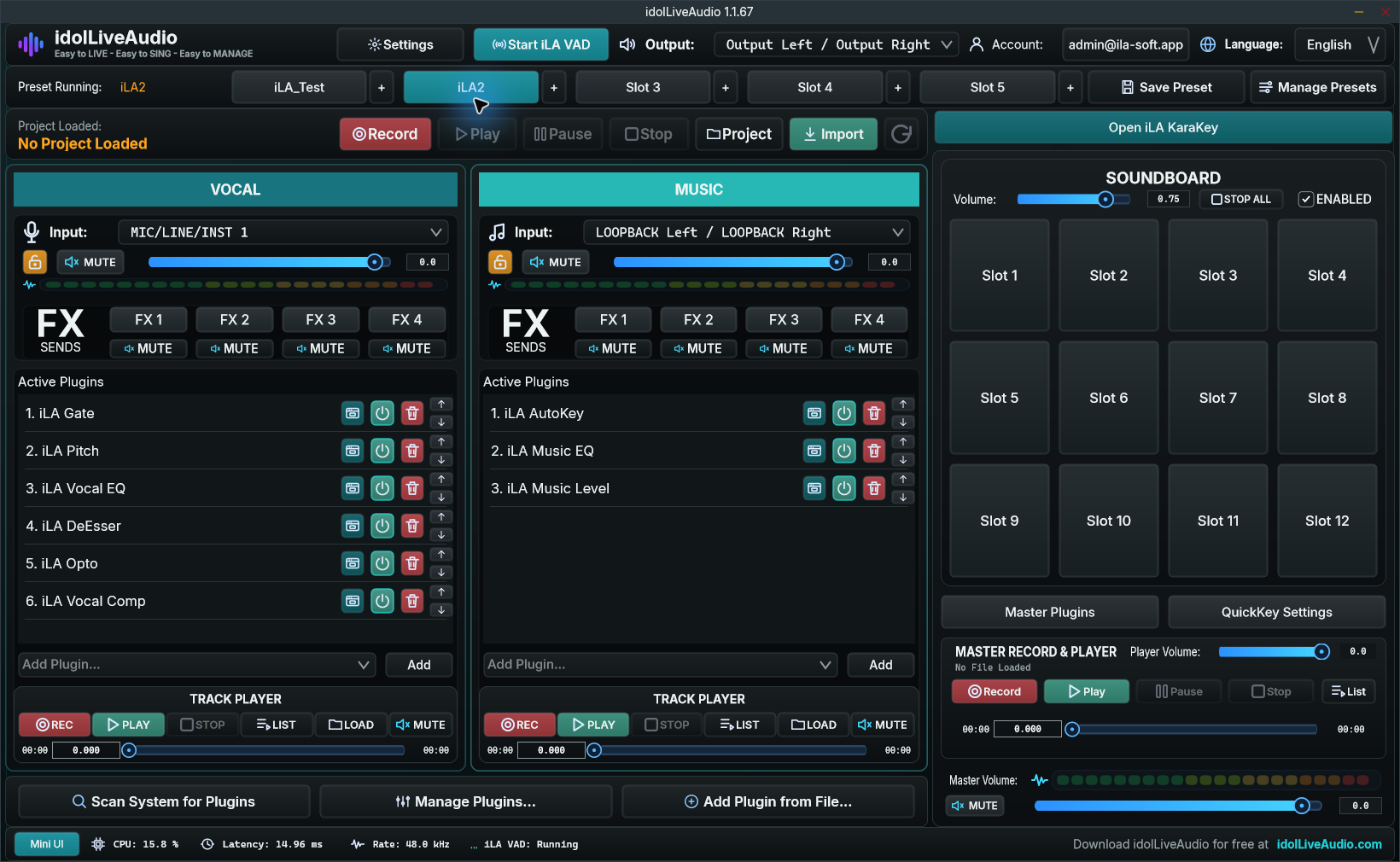
The desktop app is no longer just a shell. It has the core live desk: device routing, Vocal and Music chains, preset management, soundboard profiles, project recording, plugin scanning, My Song catalog, and account-backed platform services.

01

Dedicated vocal chain

Vocal input, plugin slots, mute, volume, FX sends, and the track player stay in one area for live-safe control.

02

Music chain with Auto-Key

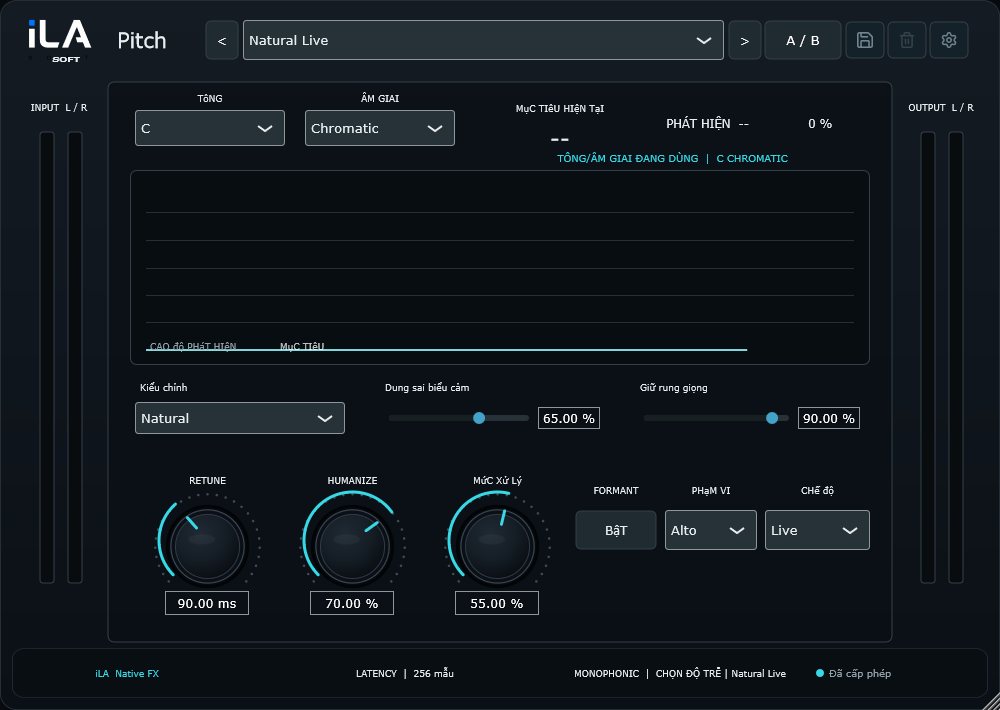
The first music slot is reserved for Auto-Key or Waves Key Detector so song keys can be detected reliably.

03

Master desk

Master plugins, master volume, master mute, recorder/player, and output routing control the signal before OBS or TikTok.

Vocal

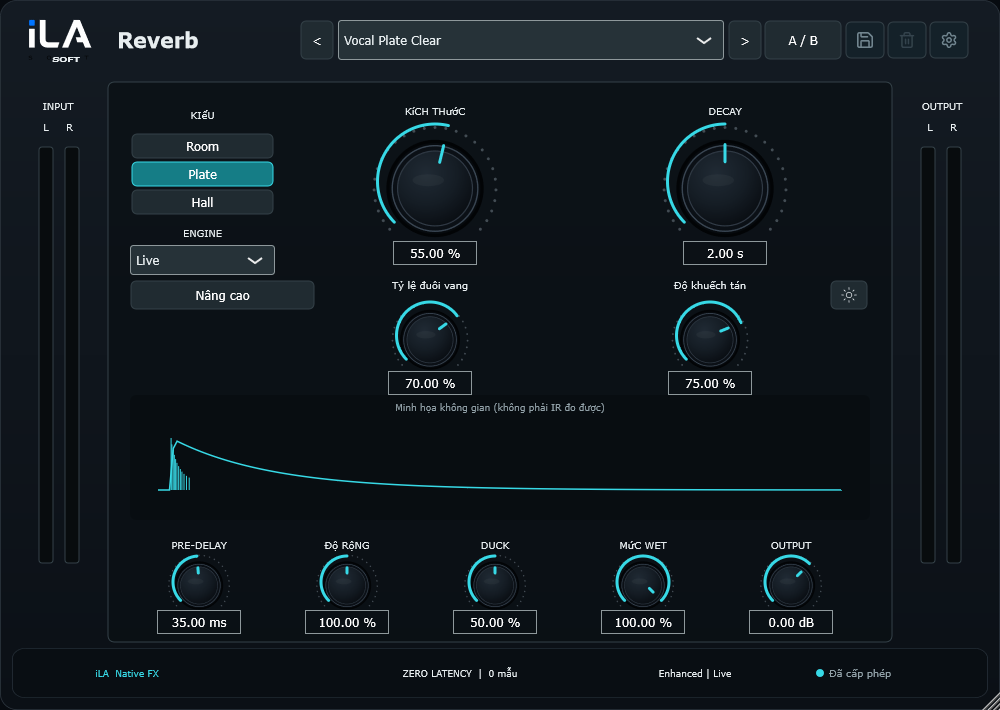
Vocal-first plugin control

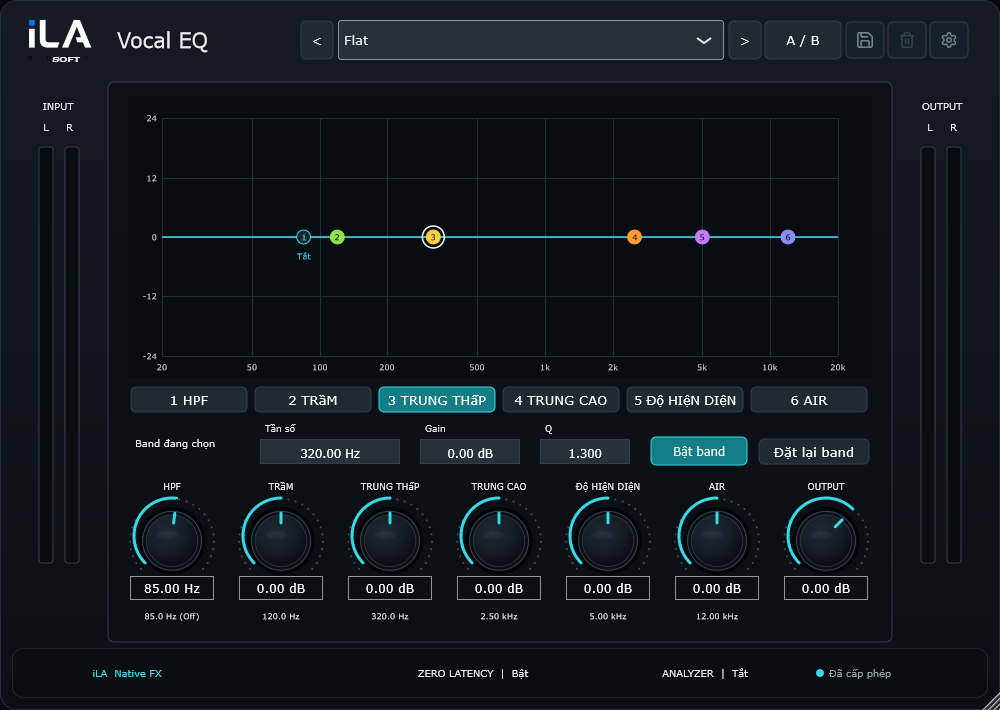
Run a dedicated vocal chain with plugin windows, bypass controls, FX sends, mute/lock controls, and live-safe preset loading.

Preset

Fast preset switching

When plugin chains match, the app reloads state instead of rebuilding the whole chain, reducing risk during a live take.

Soundboard

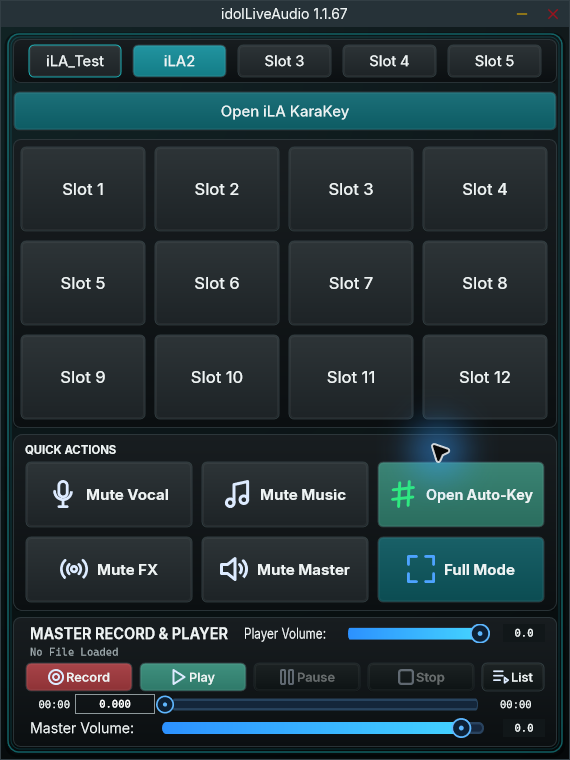
Full/Mini soundboard

Soundboard volume, stop all, sound profiles, and global hotkeys keep live stingers close without opening another app.

My Song

My Song with key workflow

Save song links, key/scale, tone type, and tuning state metadata so live song selection can connect to Auto-Key and tuning plugins.

Record

Project recording

Record projects, replay takes, manage recorded lists, and keep RAW audio for review or setup checks.

Mini Mode

Compact live mode

Mini Mode keeps presets, My Song, quick controls, soundboard, and recorder in a compact streaming layout.

Live Workflow

One live session, one control desk

idolLiveAudio is built so you do not have to jump across windows: device setup, preset loading, song links, key changes, soundboard, recording, and master control live in one flow.

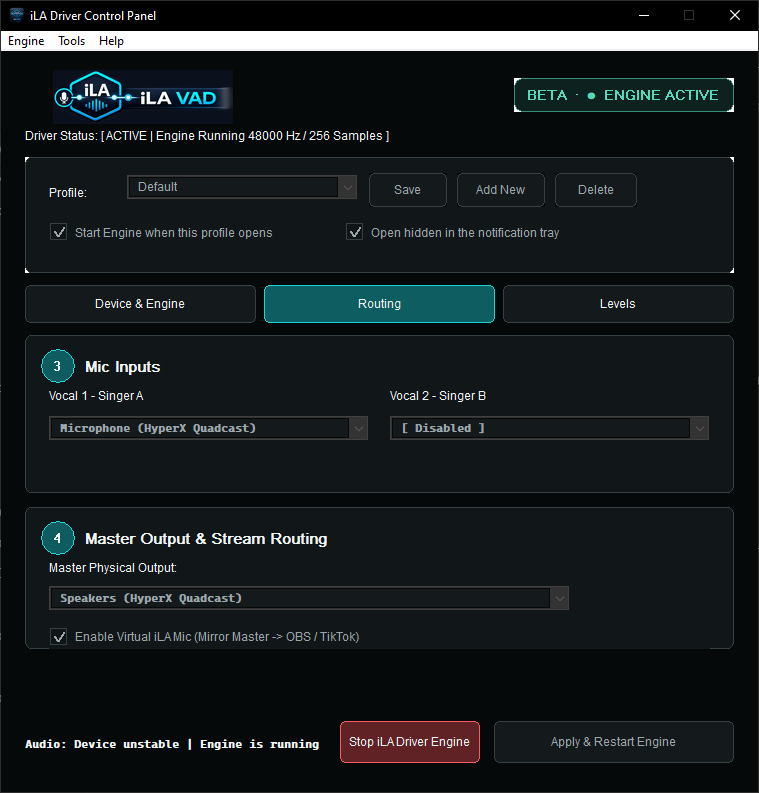
1Choose device and routing
2Load vocal/music/master preset
3Open the song in My Song
4Sing, trigger sounds, record

Download

Download the Windows release

Install idolLiveAudio for a focused live vocal workflow. The web platform handles account, downloads, Store Preset, password reset, and the update/licensing rollout.

Powered by idolLiveAudio
  • Windows desktop app for live vocal work.
  • VST3 workflow for Antares, Waves, and common vocal plugins.
  • Account portal, password reset, email confirmation, and Store Preset are ready on the web.

Store Preset

Store Preset for live-ready chains

Store Preset is shaped around real singing presets: vocal chain state, master chain state, plugin requirements, and catalog-ready key data.

Catalog Ready Presets with key-state data

Presets can carry tuning state so My Song can apply key/scale data when available.

Plugin Guidance Know what plugins are missing

The Store Preset workflow is prepared to show required plugins and official purchase links.